
Get creative with Genovo’s template tables
Kate Wells - 15th April 2019
Learn how to easily customise template tables or create your own in Genovo.
Read more >
Take a couple of minutes to read about Genovo’s updated table settings
Kate Wells - 28th January 2019
Learn about Genovo’s updated table settings
Read more >
Super easy ways to customise your reports
Kate Wells - 19th November 2018
Learn how to easily change the structure of your reports and move the ‘next steps’ content from the Important Information section to the Executive Summary of your reports.
Read more >
How to customise the table text in your reports
Kate Wells - 24th September 2018
Learn how to customise the table text of your suitability reports
Read more >
How to set up your account so the name of both the adviser and the paraplanner are automatically displayed on the front cover of your reports
Kate Wells - 20th August 2018
Learn how to set up your account to automatically display the name of both the adviser and the paraplanner on your report title page
Read more >
How to use dynamic tags to further customise your Genovo reports
Kate Wells - 18th June 2018
Learn how you can use Genovo’s dynamic tags to further customise your Genovo reports.
Read more >
How to set up and use the integration with intelliflo office
Ed Evans - 12th June 2018
Learn how you can easily integrate Genovo with intelliflo office, the back office software from intelliflo, and see how, having set up the integration, you can seamlessly pull both client and plan data into Genovo thereby saving you heaps of time as you’ll never need to re-key this information ever again.
Read more >
Fix your template images that you have uploaded using Postimage
Kate Wells - 22nd May 2018
Learn how to amend your images that you have previously uploaded using Postimage.
Read more >
How to customise how the regulatory documents are referenced in your suitability reports
Kate Wells - 17th March 2018
Within Genovo, the Regulatory Dates step is automatically included within the Introduction section of a suitability report as standard. It provides the option for you to record the date the client was provided with various regulatory documents.
Read more >
How to update the table of contents in Word
Kate Wells - 16th February 2018
Learn how to update the table of contents once you have downloaded your Genovo suitability report to Word.
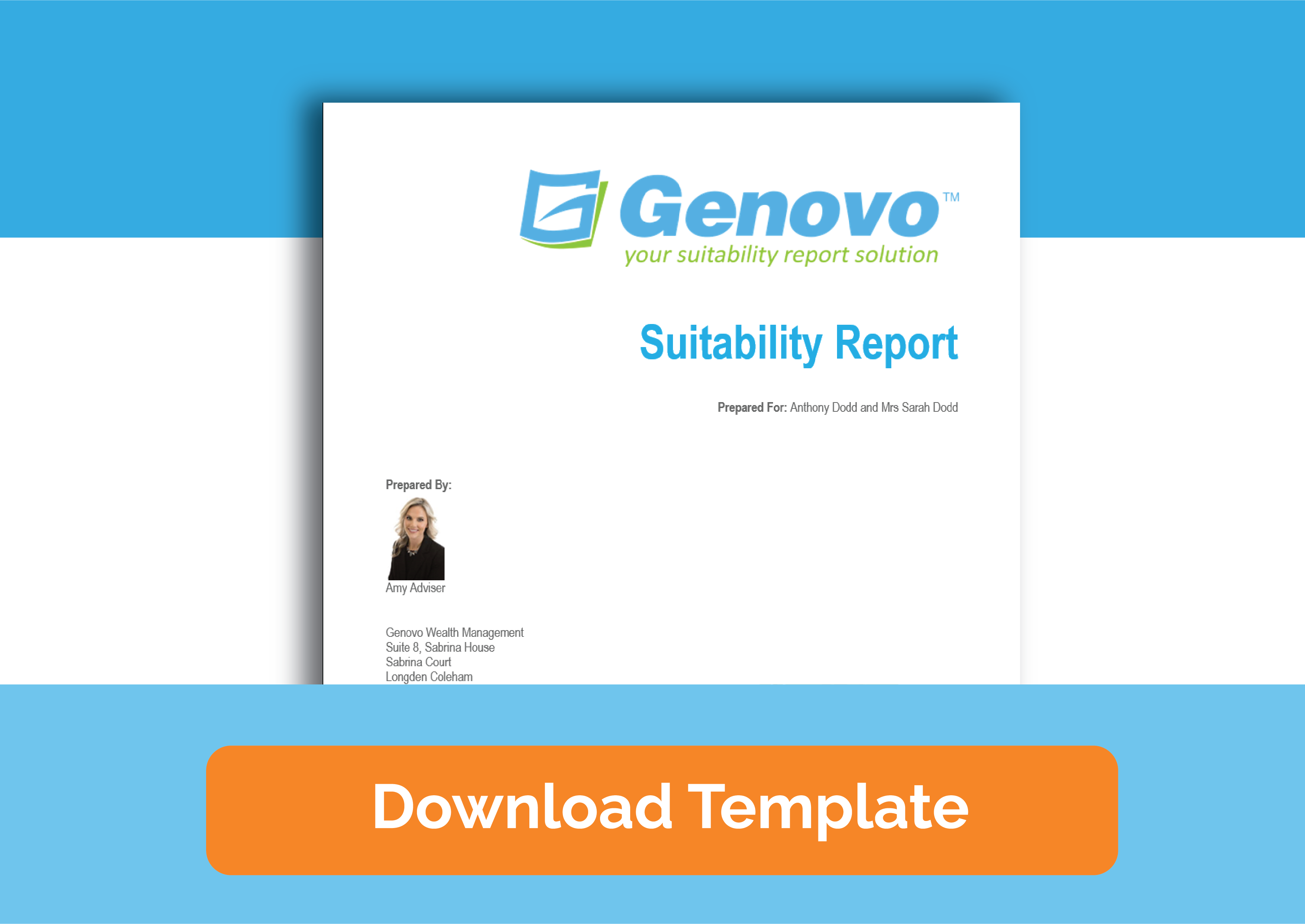
Read more >Free suitability report template
Learn how to make your reports more reader-friendly and engaging.
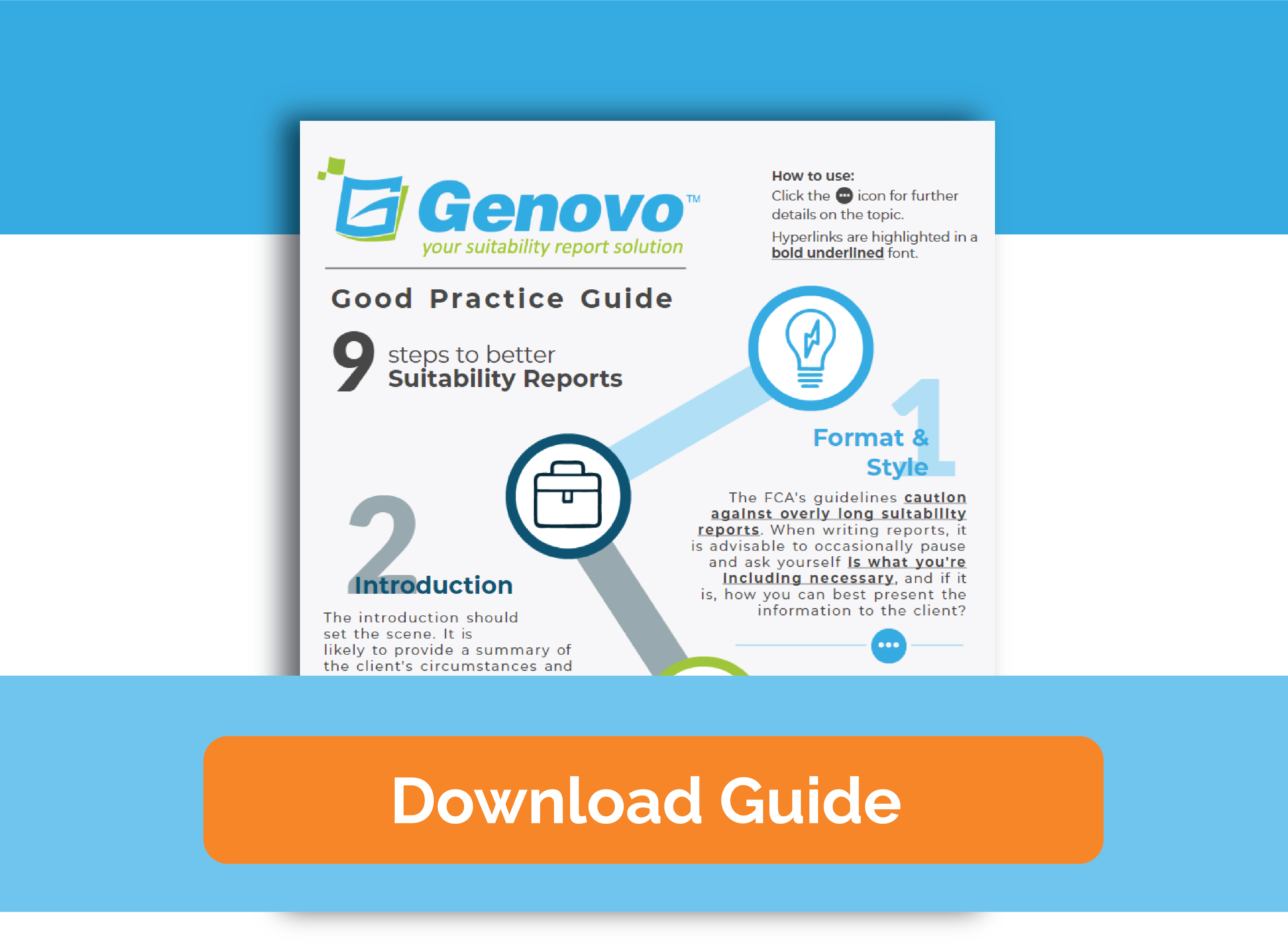
Suitability report best practice guide
Download the interactive guide and follow our 9 steps to better suitability reports.
Categories
- All articles
- Budget updates
- FCA Guidance
- Financial Planning Tips
- Gena
- Genovo New Features & Updates
- Guest Blog
- Industry Comment
- Integrations
- MiFID II
- Our News
- Security
- Suitability Report Best Practice
- Tax Year Updates
- Uncategorised
- User Tips
- Word Tips